Better trading
starts with a
closer look.
Track your trades, understand your habits, and see what you can improve. Arrange the dashboards, choose your theme, and make RiTrade work the way you do.
 RiTrade / Your weekly reviewDEMO
Compare the symbols, entry times, and trade sizes.
Look at the individual trades behind the result.
You remember the big trades.
What about the rest?
The rushed entry. The position you held longer than planned. The fees that looked small, one trade at a time.
A journal gives you somewhere to look back. RiTrade helps you keep track, compare your results, and decide what deserves more attention next session.
Find the detail
worth coming back to.
Different questions need different views. Explore the dashboards, then use your own trading history to see where there’s room to improve.
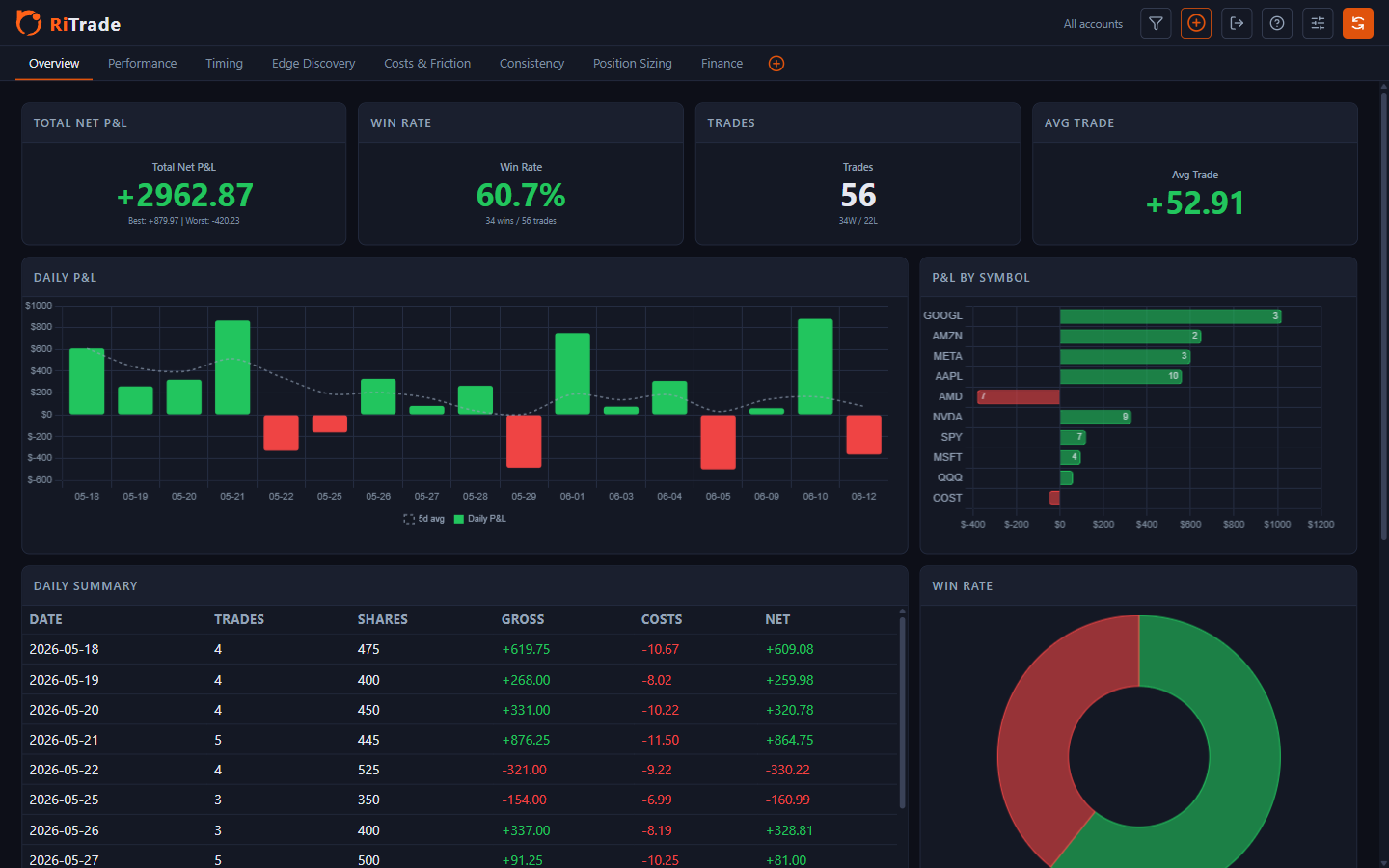
What happened across my accounts?
Start with the period as a whole, then look at the individual days and symbols behind the result.
Set it up for
the way you trade.
Keep the tiles you use, give a chart more room, and choose a theme that fits your screen. Each dashboard remembers its own arrangement.
Make yourself at home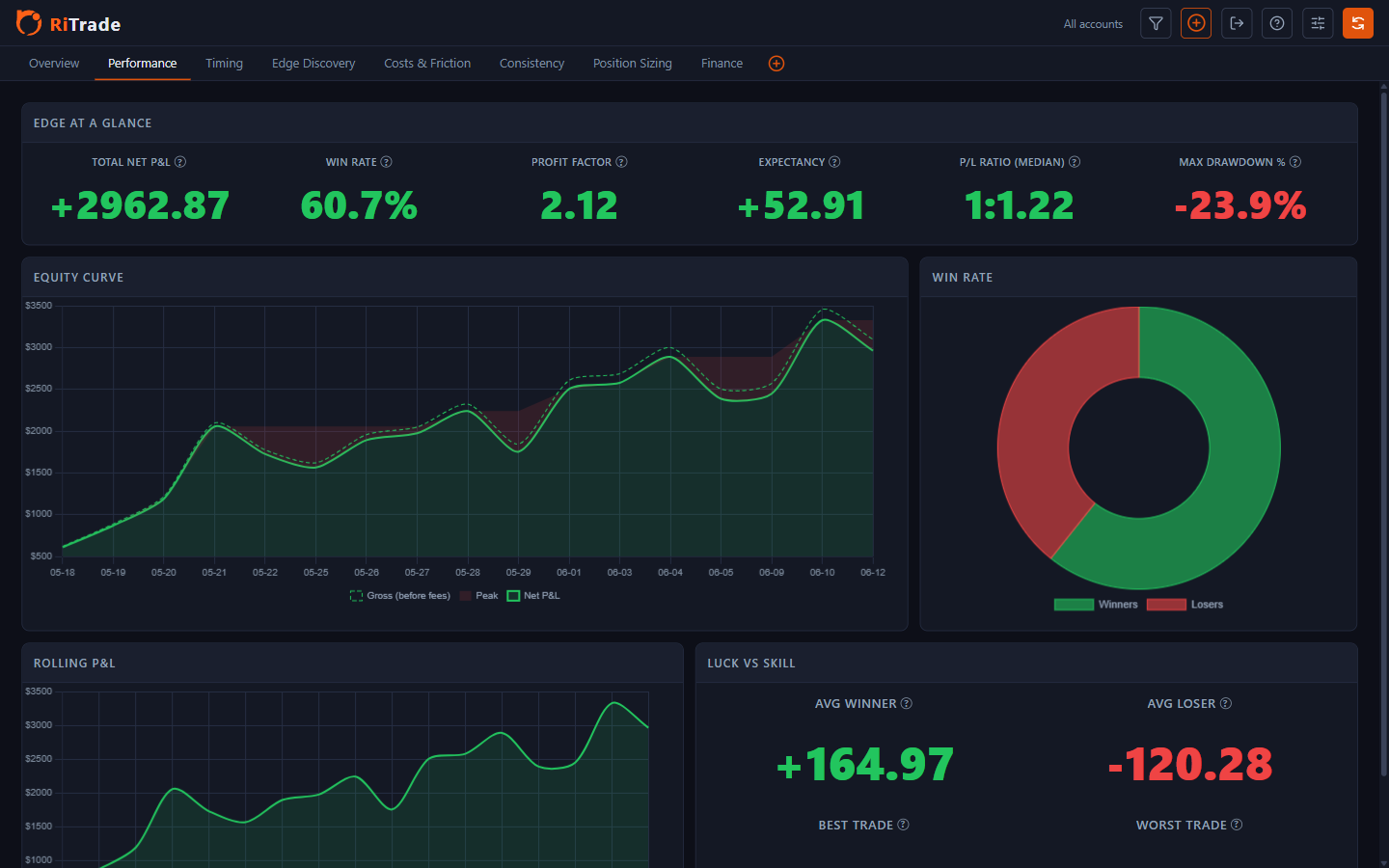
Give your next session
some perspective.
You make the decisions. RiTrade gives you the trading history to review them.
Explore what RiTrade tracks- 01
Bring your trade history together.
Import your broker reports and check the preview before saving your trades.
- 02
Ask a more specific question.
Look at one account, symbol, or period. Compare the results, costs, and time spent in trades.
- 03
Pick something to work on.
Choose something to work on, then review later trades to see what changed.
Your journalKeep your trading
to yourself.
Your trade history and saved views live on your computer. Review imported trades offline, without an online RiTrade account.
Downloads, update checks, and configured broker API imports use the internet.
How your data is storedIs RiTrade free?
Yes. RiTrade is free to use. No online account needed.
Will it read my broker’s statements?
Support depends on both the provider and its export format. Check the brokers and formats page. For other CSV files, you can map columns and save a reusable template, provided the file contains the required trade information.
Does it work without an internet connection?
You can review imported trades, use dashboards, and import local files offline. Downloading the app, checking for updates, and fetching reports through a broker API need an internet connection.
Can I use it on a Mac or Linux?
The packaged app is available for Windows. There isn’t a supported Mac or Linux installer.
The next thing you learn
could be in your last trade.
Bring in your trades and see where you can improve.
Get RiTrade for Windows (Alpha)